

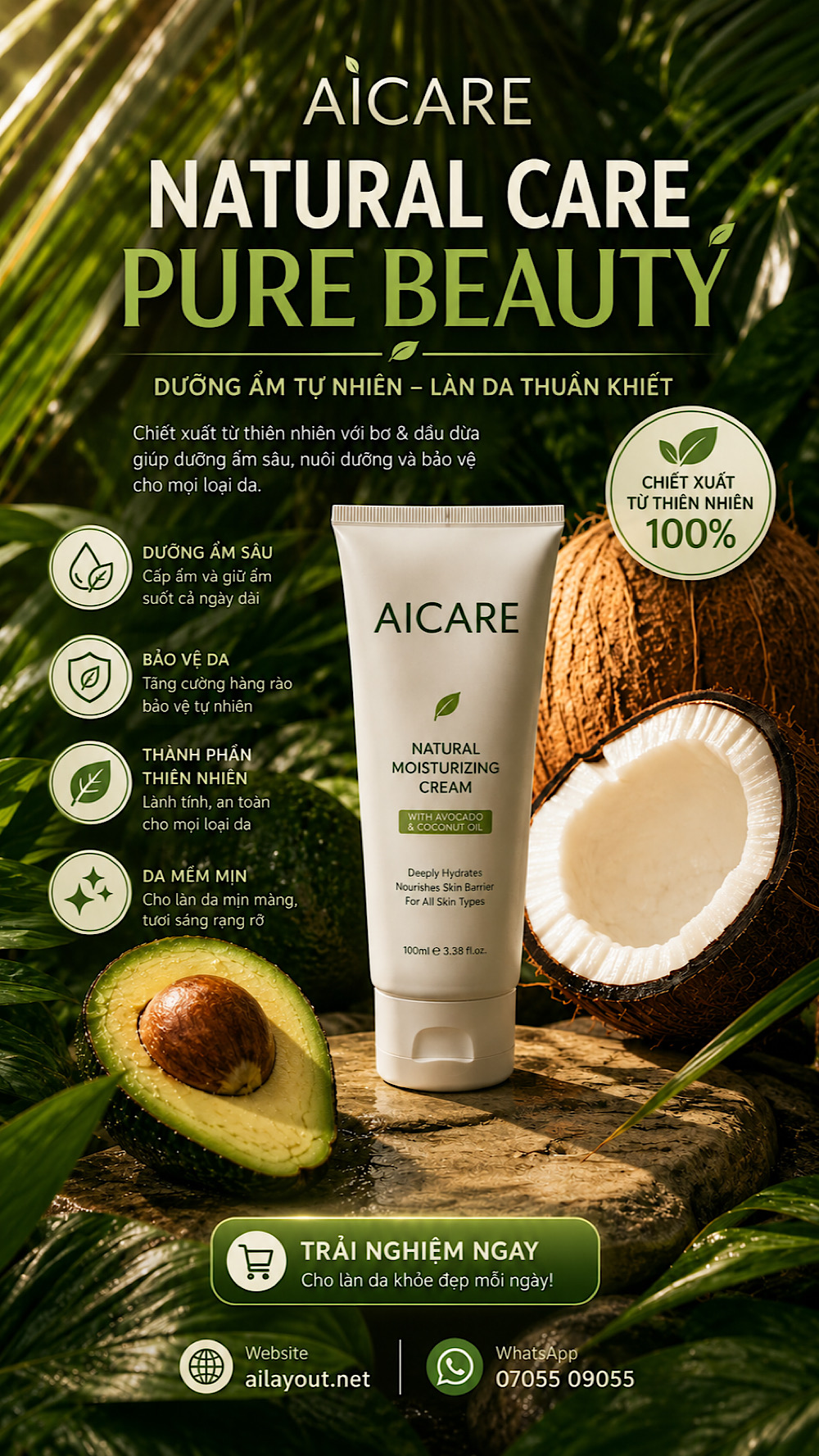
Để làm poster in ấn hoặc ngay cả làm facebook post. Chúng ta nên làm 2 bước như bên dưới, để chủ động thay đổi nội dung tuỳ thích dựa trên "hình gốc" ban đầu. Dưới đây là prompts 2 bước:
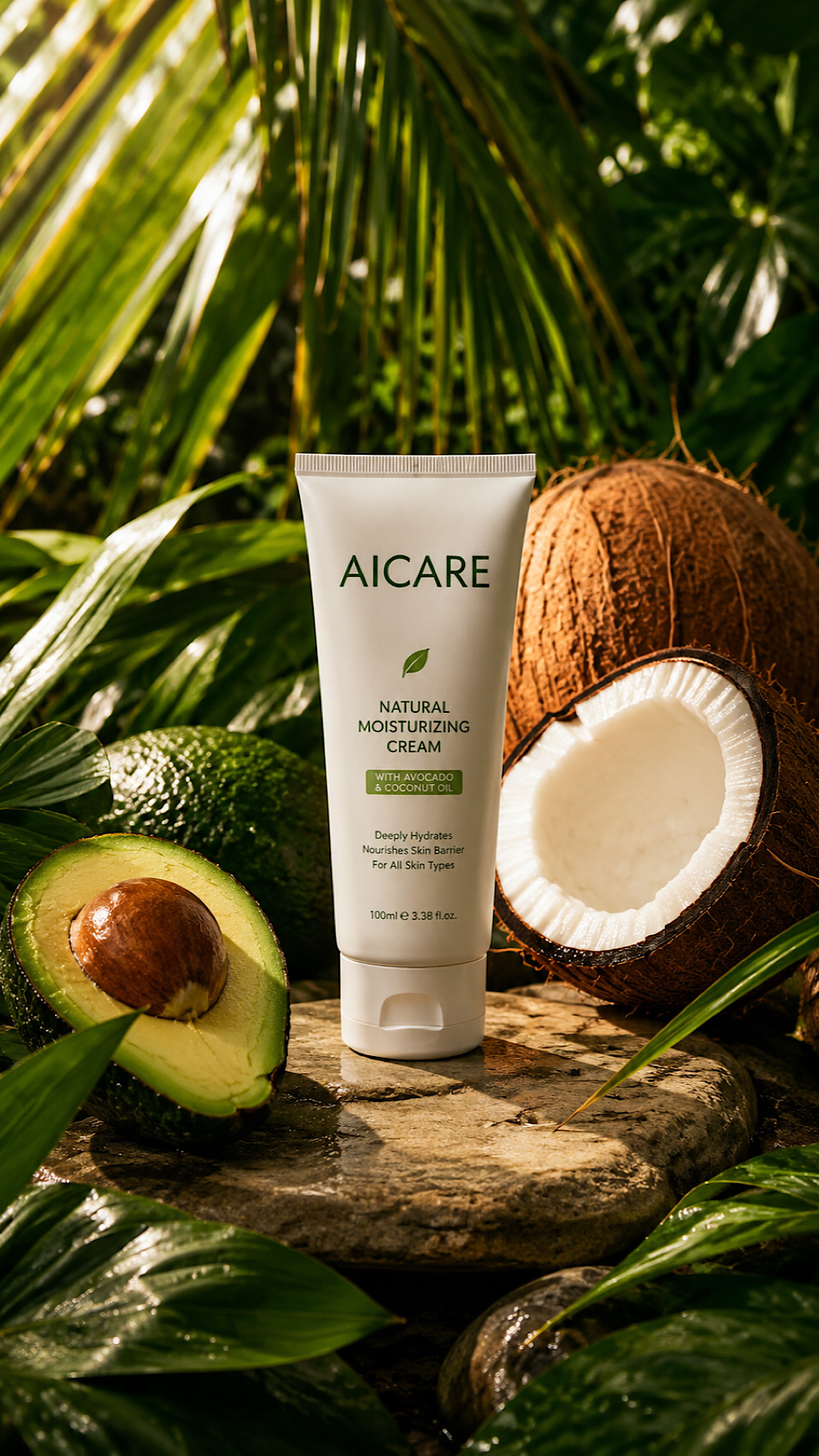
"A hyper-detailed, photorealistic product composition set in a tropical environment, featuring a matte white cosmetic tube brand name labeled "AICARE" standing upright on a smooth natural stone, surrounded by fresh botanical elements including glossy green palm leaves, a halved ripe avocado with a visible seed, and cracked coconuts showing rich white flesh and textured brown shells; the arrangement is carefully balanced with organic symmetry, illuminated by warm, directional sunlight casting soft, natural shadows and highlights that enhance texture and depth; the background is filled with layered tropical foliage creating a lush, vibrant atmosphere with a clean, premium skincare aesthetic, shallow depth of field, high-resolution detail, soft natural color grading, and a calm, earthy green and beige color palette, styled like a luxury skincare advertisement. dramatic high-contrast lighting with rich, cinematic color grading, deep shadows and luminous highlights, ultra-sharp details, premium visual depth, vertical 9:16 composition, optimized for ultra-high-resolution 16K upscale."
Thêm nội dung thì cực kỳ đơn giản. Bạn cần gì ghi đúng vậy sẽ ra.
"Put some icons, text: headline, bodytext, CTA, contact: website: ailayout.net, whatsapp: 07055 09055. to made a visual look like poster advertising"
0 Comments